How to Set Time and Date Format on the Scanner Device Display
Press the Menu button then scroll down to select Settings and press OK
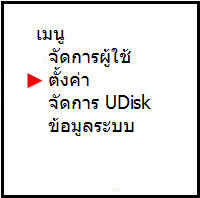
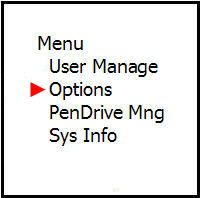
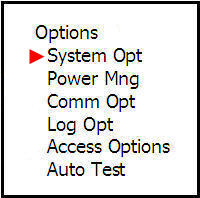
Select System Settings and press the OK button

Select the Date and Time menu and press the OK button
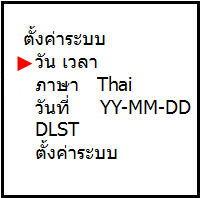
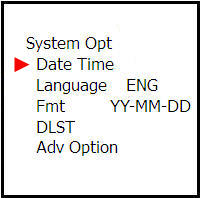
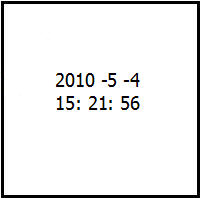
Then enter the date and time you want to set and press the OK button
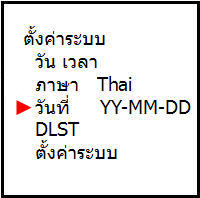
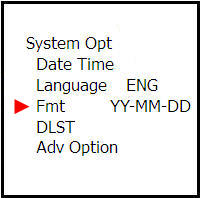
Scroll down to the Date menu, select the date format and press the OK button
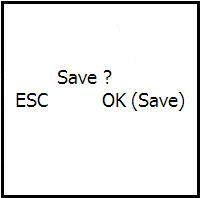
When finished, press the ESC button once and the system will ask if you want to save. Press the OK button to save