How to Set Up and Change Language
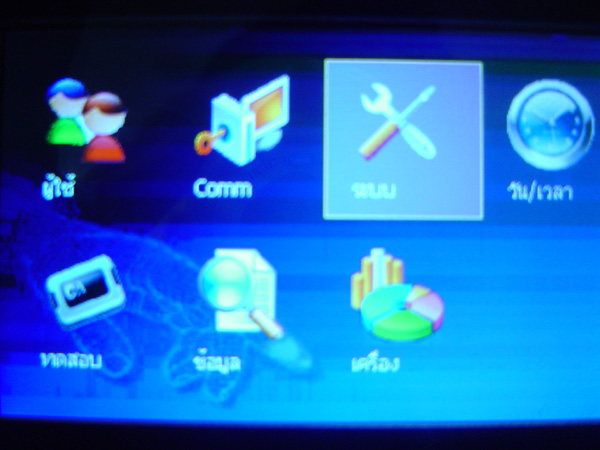
Press and hold the M/OK button to enter the menu. Select System menu and press OK
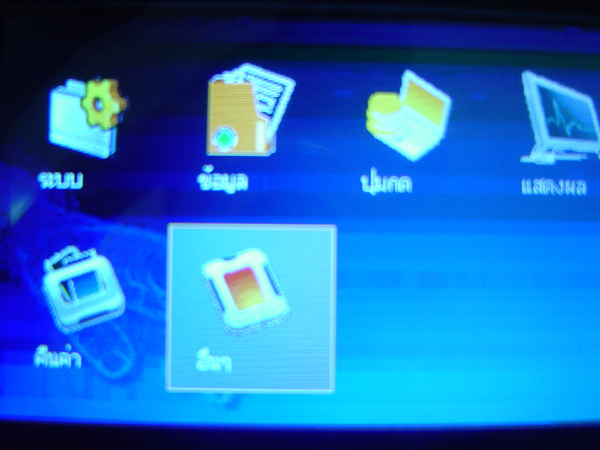
Select Other menu and press OK
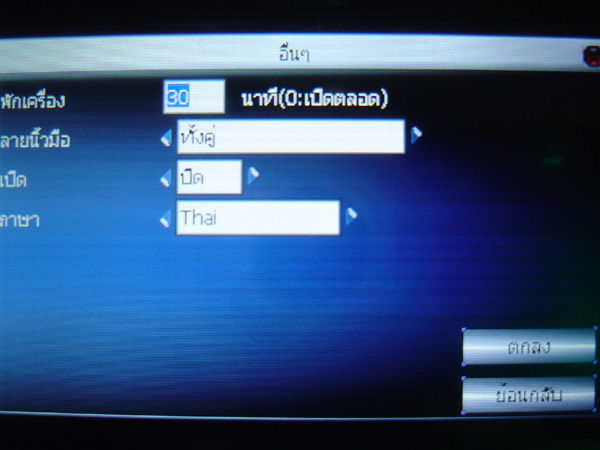
This window allows you to set device sleep settings or fingerprint verification settings
Here, go to the Language menu and select Change. Then press OK button
A message will then appear confirming that the changes have been saved. Press OK