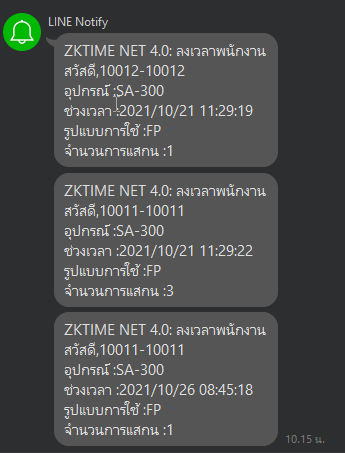
How to Set Up Line Notifications
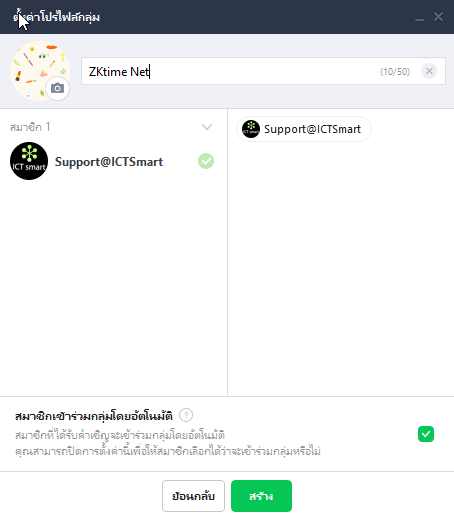
1. Create a Line group
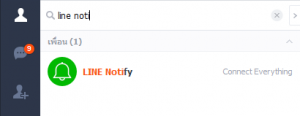
2. Search for Line Notify and click add friend
3. Go to the website https://notify-bot.line.me/th/ to request a token
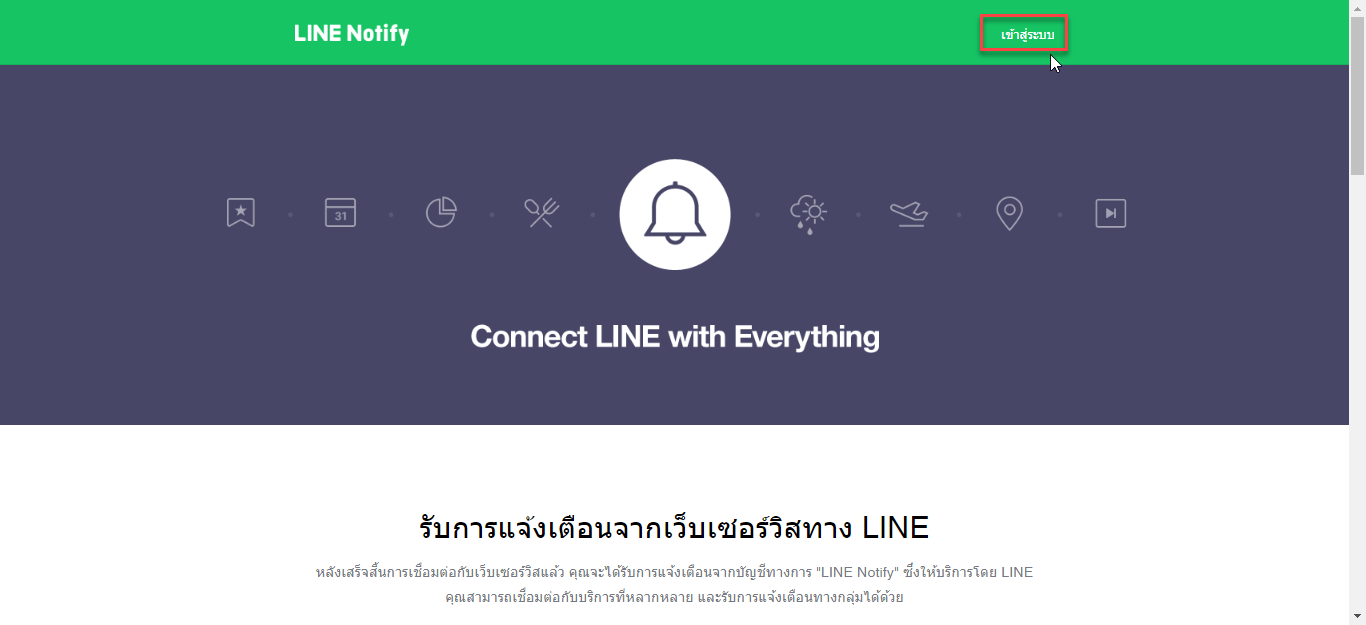
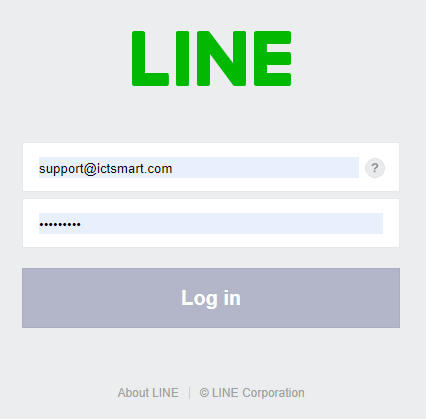
4. Click to log in using Line ID
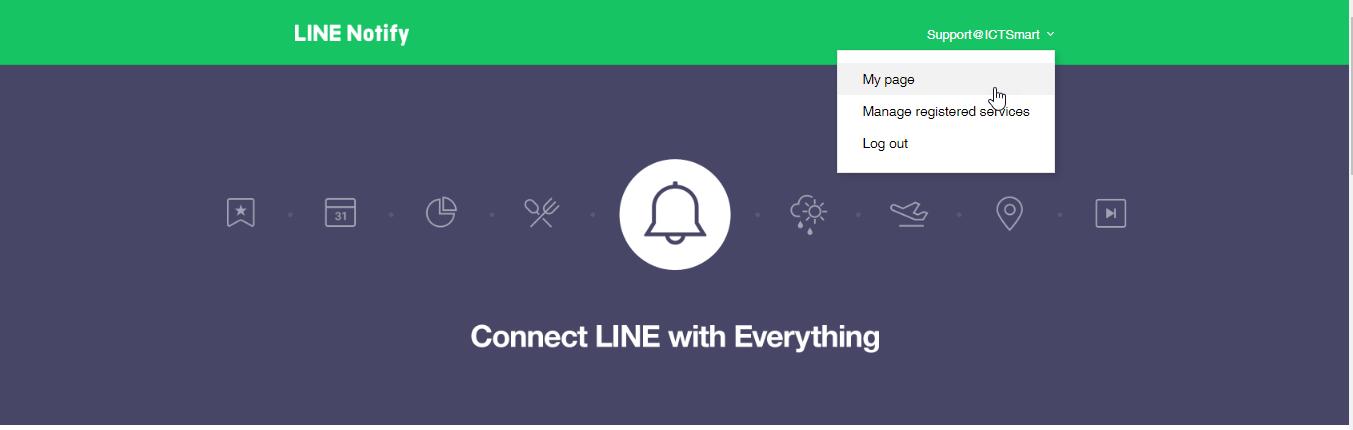
5. Click on Line ID and select My Page
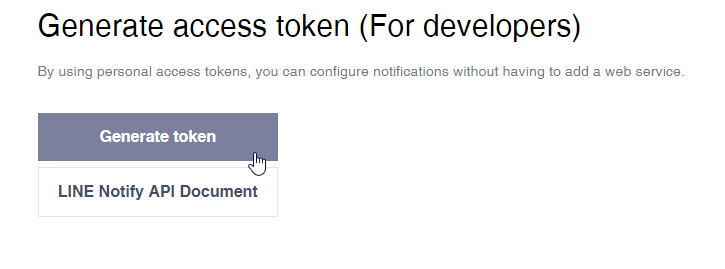
6. Scroll down and click Generate Token
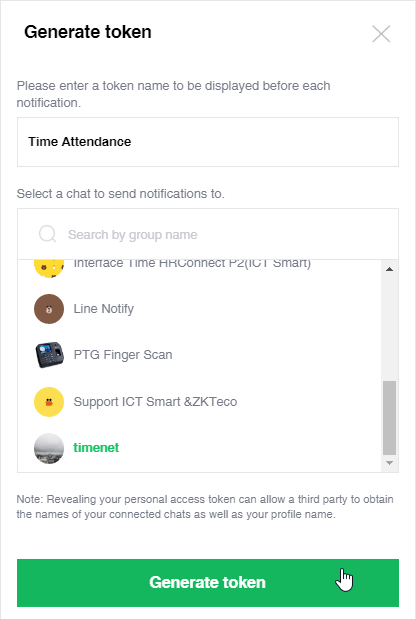
7. In the first field, enter the desired message, for example Time attendance, then select the group created in step 1
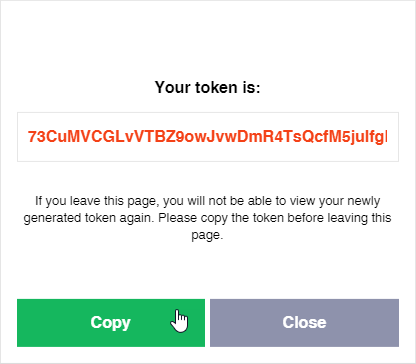
8. Copy the Line token to enter into the ZKtime Net program
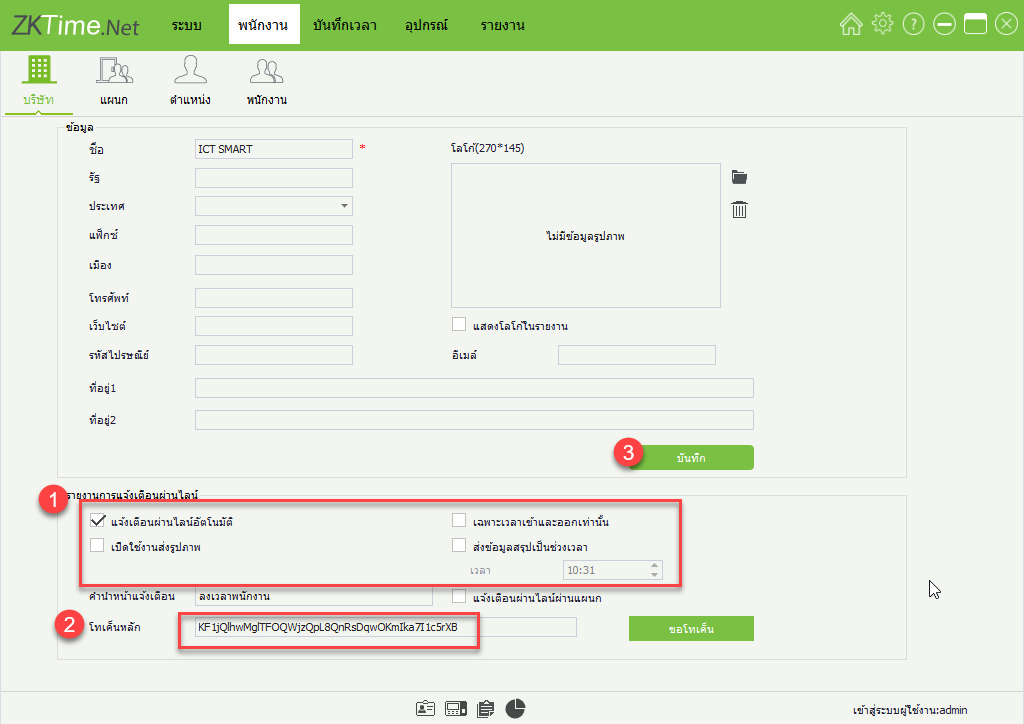
9. Open the ZKtime Net program, go to the menu Employee > Company to enter the Line token
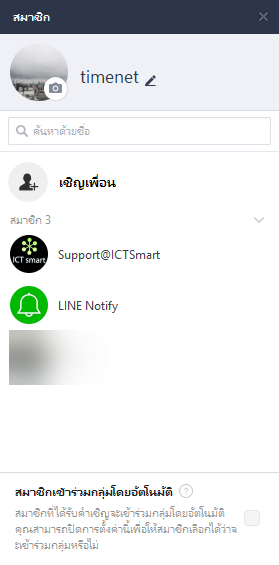
10. Open the Line program, go to the group created and add Line Notify to the group
11. Notification screen via Line