How to Test the Scanner Unit
Press the Menu button, scroll down to Settings menu, and then press the OK button

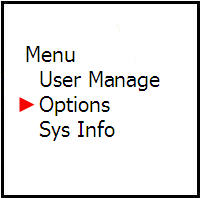
Then scroll down to the Device Test menu and press the OK button

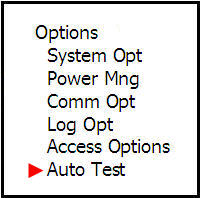
This screen will have topics to choose what you want to test
It is recommended to select Test All, then press OK
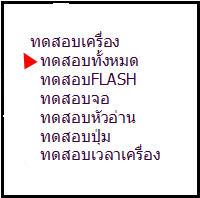
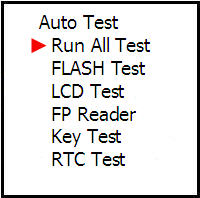
The system will display a message asking you to press the OK button

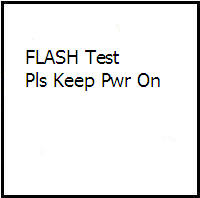
After that, the device will run and display the results showing
which parts failed after testing, then press the OK button
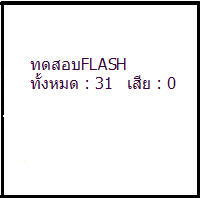
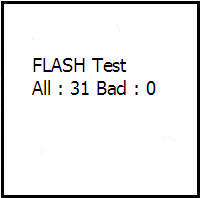
Press the OK button

Press the OK button

Press the OK button

Press the OK button
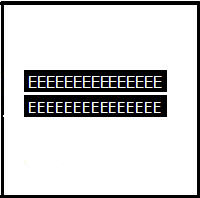
Press the OK button


On this screen, press the various buttons on the scanner device to check if all buttons are working. When finished, press the OK button
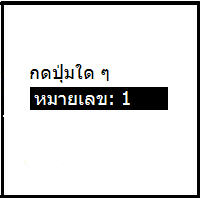
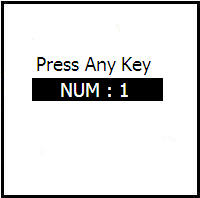
Then press the OK button

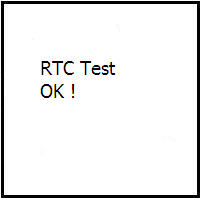
Completed the scanner device test procedure