How to View Door Access-Exit Reports
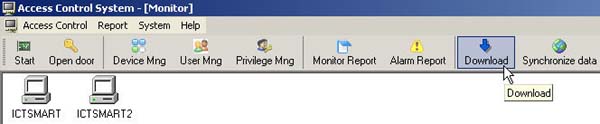
- Select the Download menu
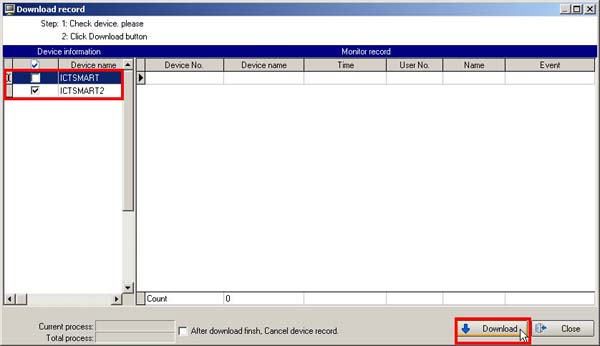
- Select the scanner device you want to retrieve data from
- Then click the Download button
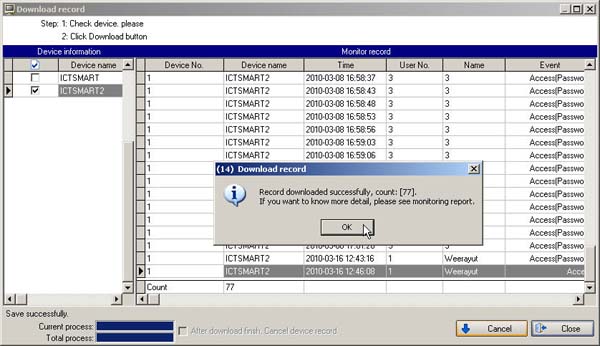
- Then a message will appear showing the status of how much data has been retrieved, click the OK button
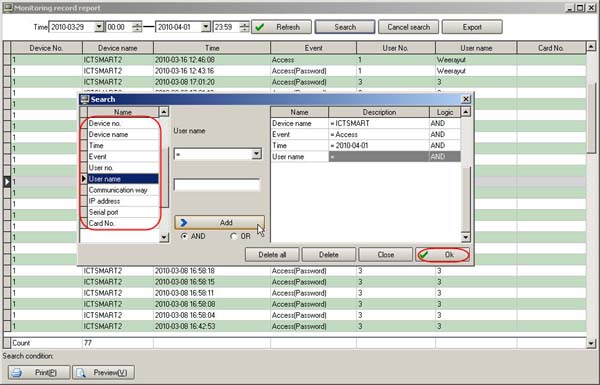
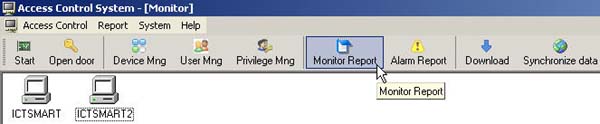
- Go to select the Monitor Report menu
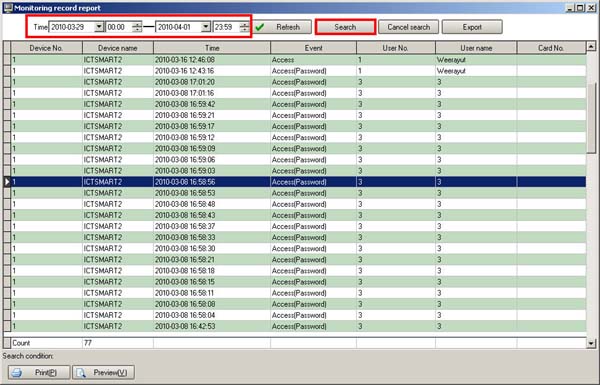
- Select the time period you want to view
- Then click the Search button
- Then select the topics on the left side, which topics you want to view
- Click the Add button
- Then click the OK button