How to View Scan Device Information
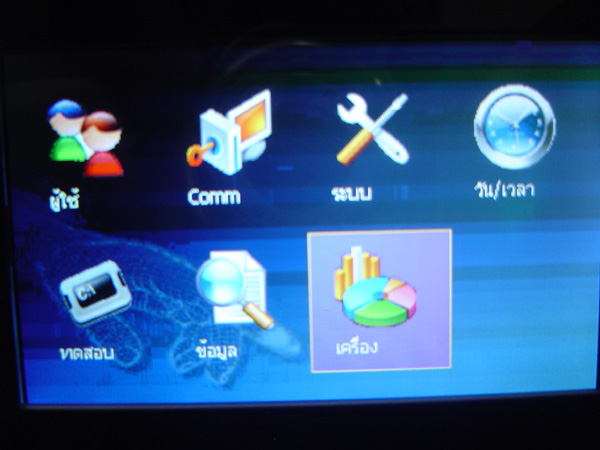
Press and hold the M/OK button to enter the menu. Select the menu heading Device and press the OK button
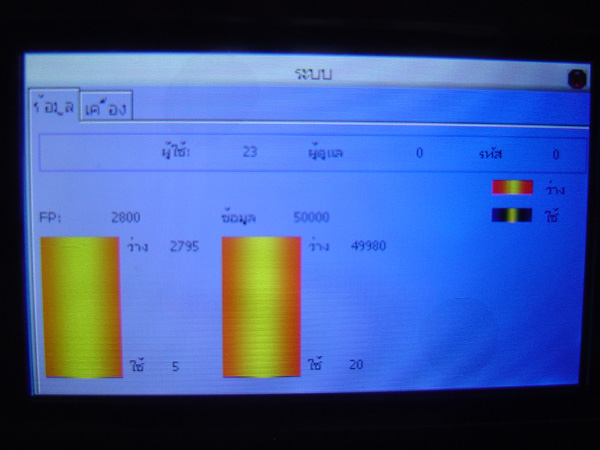
The first window that appears shows the memory information of the scanner. This window displays the amount of
data already used and how much free space remains for recording user fingerprints.
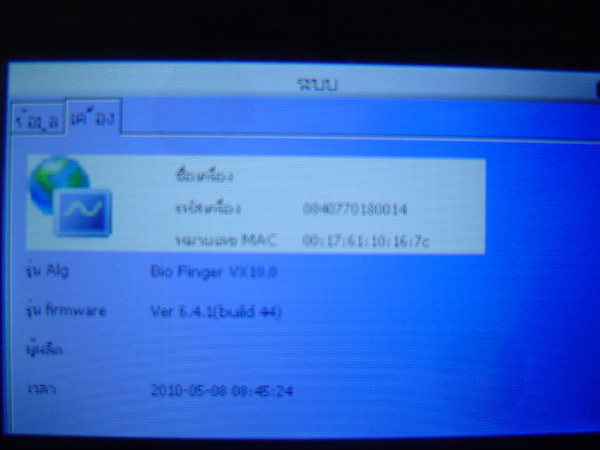
The Device window shows the device specifications including the device code, model, and Firmware version.