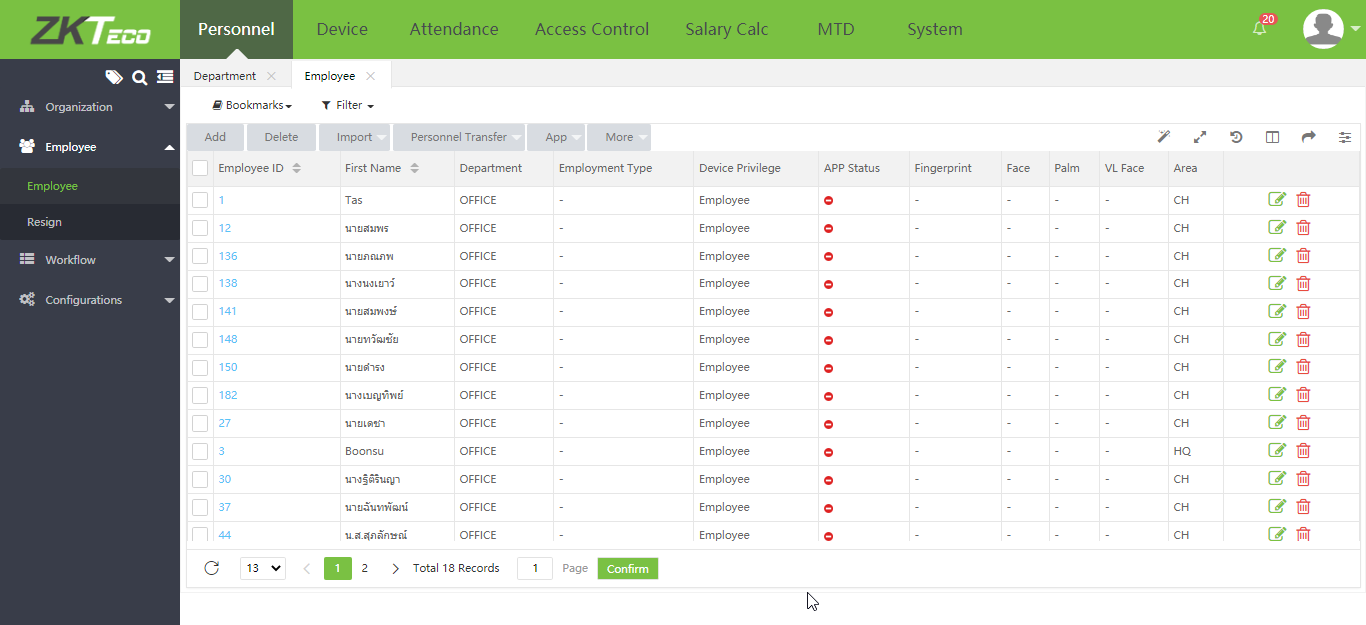
Import Employee Data
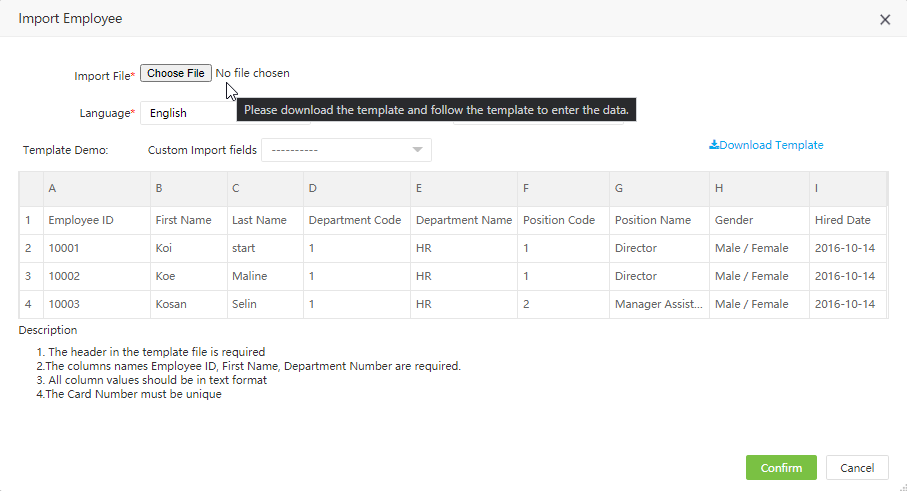
1.Download Template employees from the menu "personnel" > "Employee" > "Import"
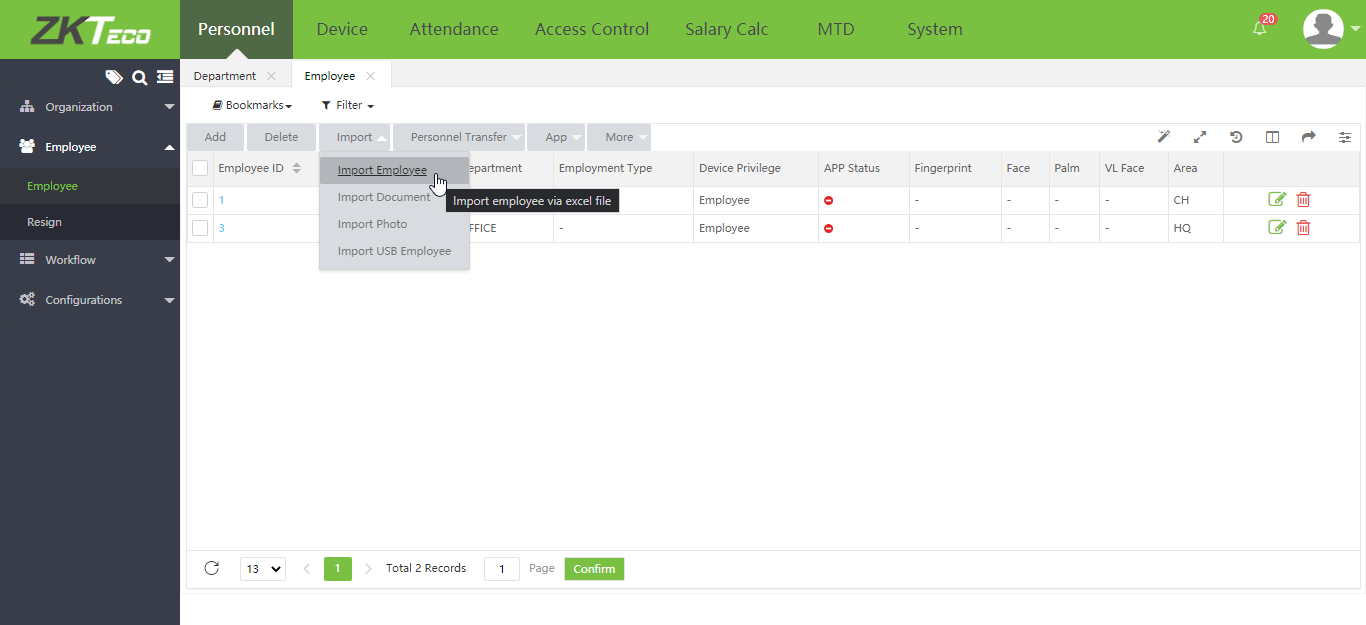
2.Click on the Download Template menu to download the template for entering employee information
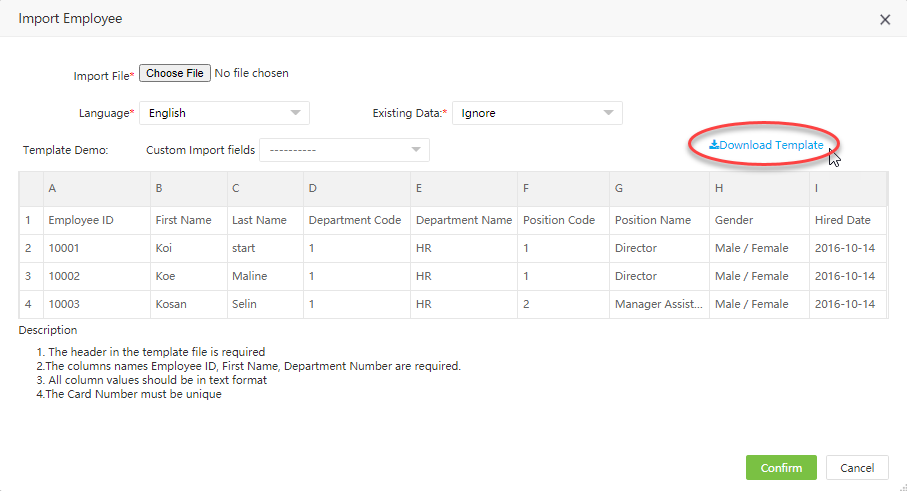
Example of entering employee information, Field A = Employee ID B = Department ID C = Employee Name D = Area Code
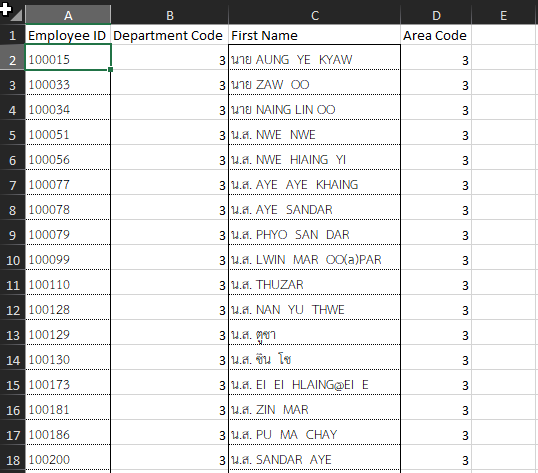
3.Then click Choose File to import employee information and click Confirm
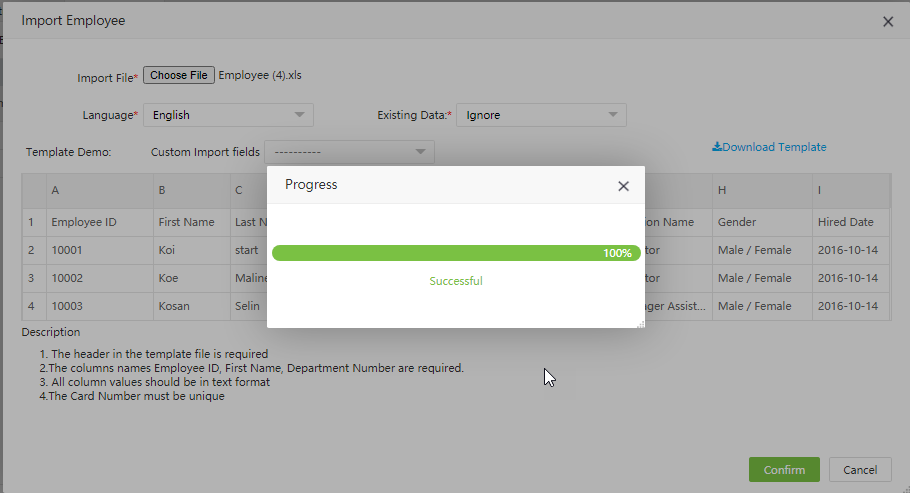
4.Wait for the program to import the data. When the import is complete, the system will display the Successful menu page
The system displays the list of employees whose data has been imported