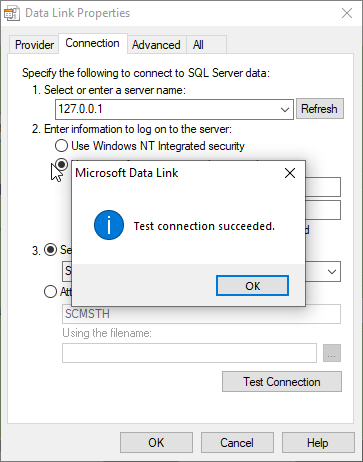
SCMS Database Configuration Setup
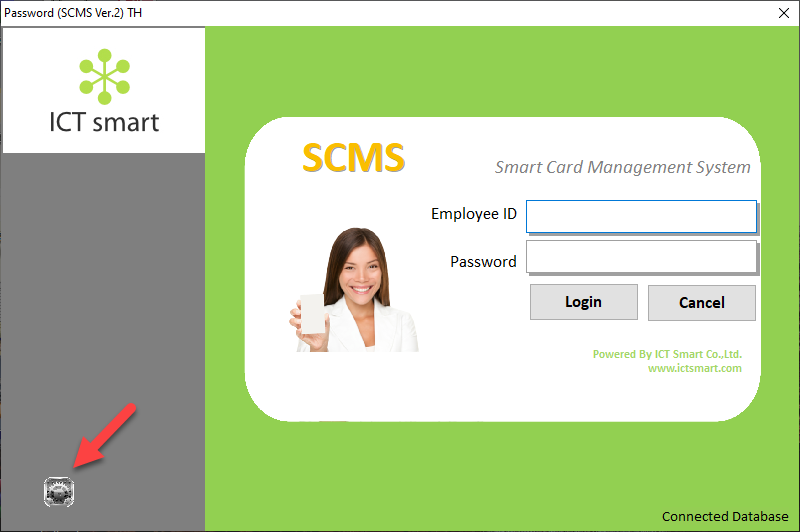
1. Enter the program and select the gear icon menu in the bottom left corner
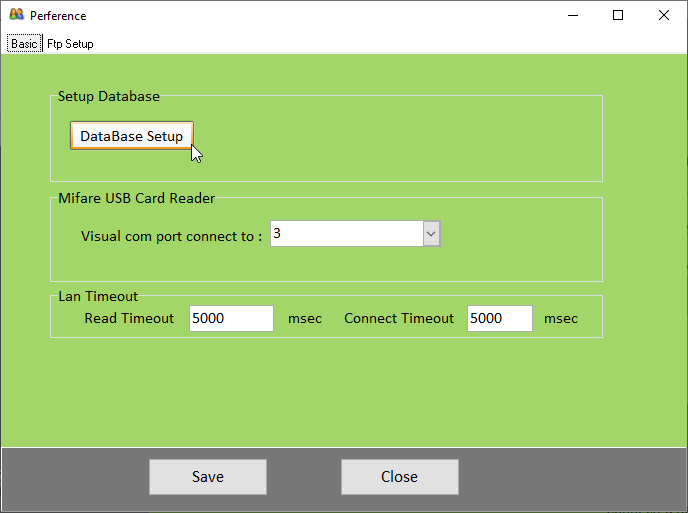
2. Select the DataBase Setup menu
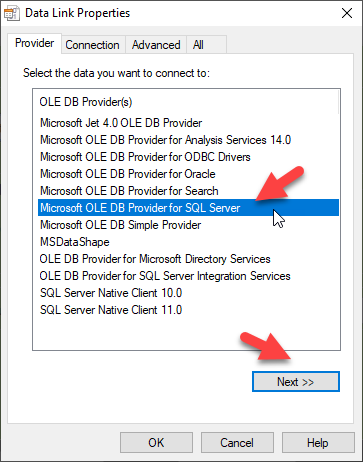
3. For Provider, select Microsoft OLE DB Provider for SQL server
4. Go to the Connection section. In field number "1" enter the IP address of the server where the database is installed. In field number "2" enter the SQL username and password
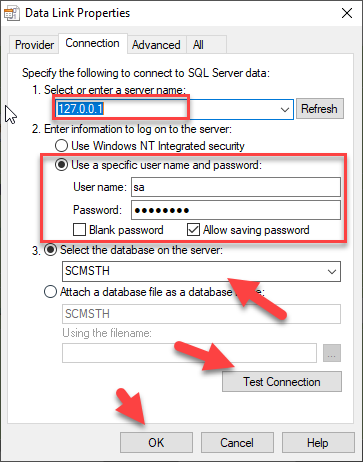
In field number "3" select the database. When you have finished making your selection, click Test Connection