How to Use the SCMS Program
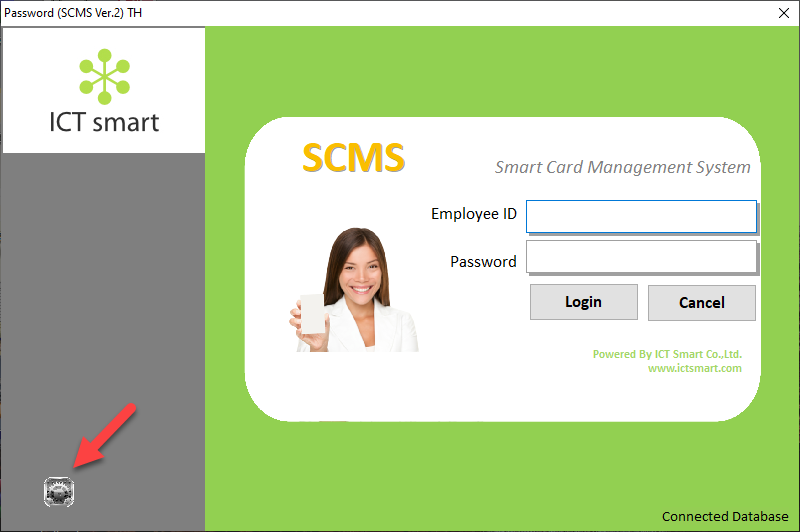
Search1. Enter the program and select the gear icon menu in the bottom left corner
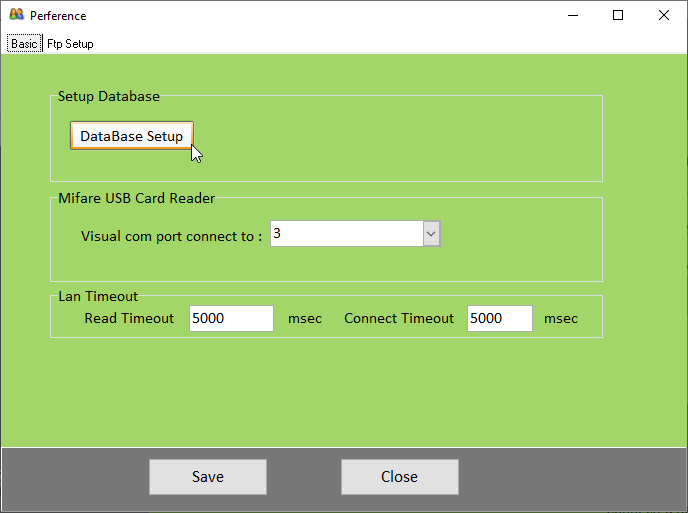
2. Select the DataBase Setup menu
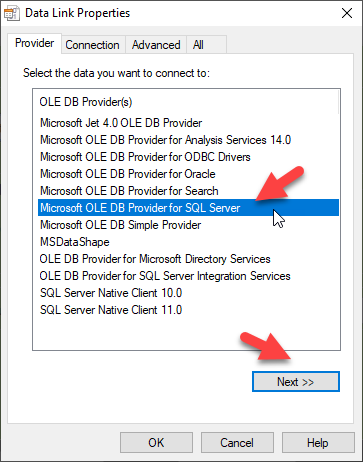
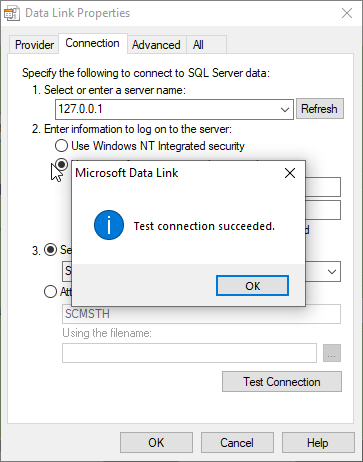
3. For Provider, select Microsoft OLE DB Provider for SQL server
4. Go to the Connection section. In field number "1" enter the IP address of the server where the database is installed. In field number "2" enter the SQL username and password
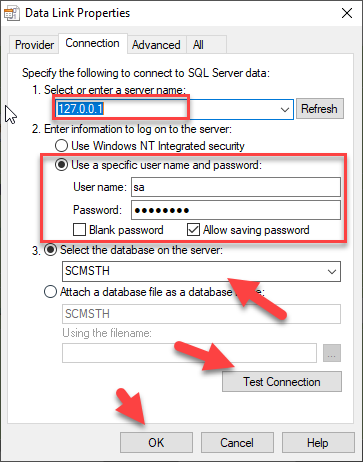
In field number "3" select the database. When you have finished making your selection, click Test Connection
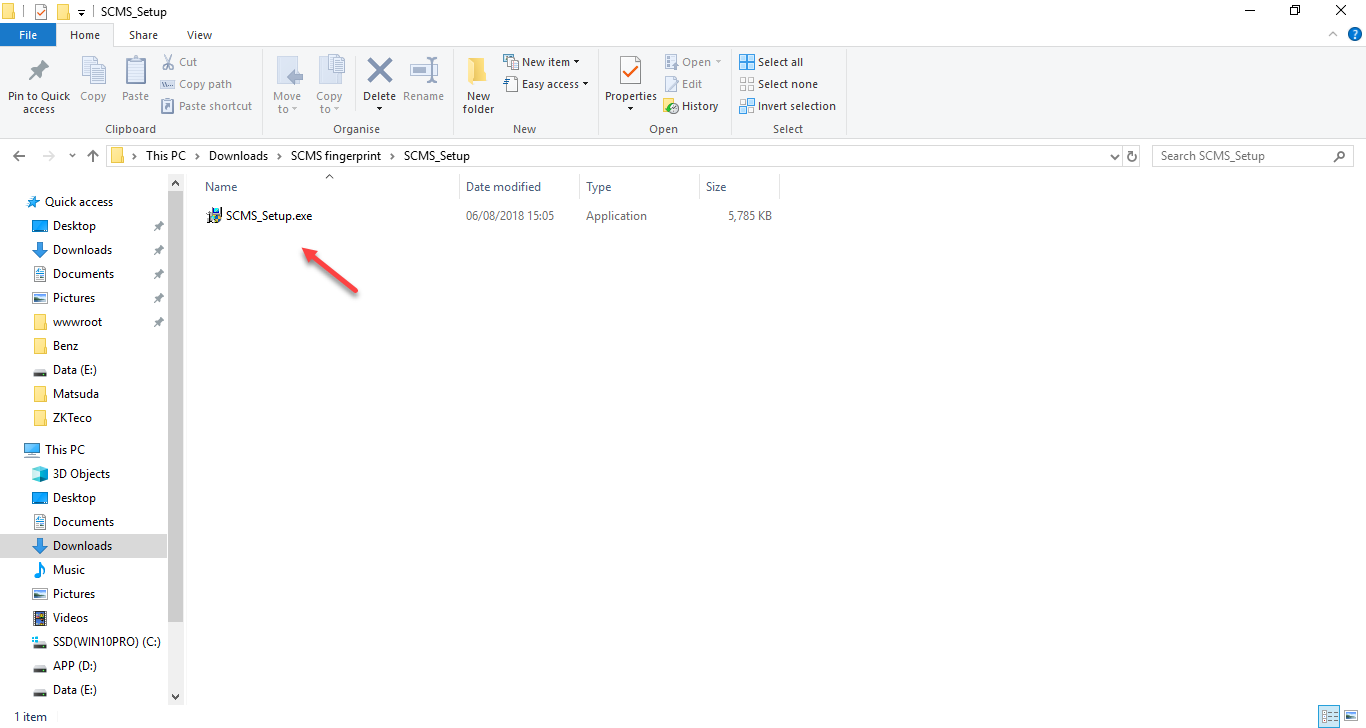
1. Click to install the SCMS_Setup.exe program
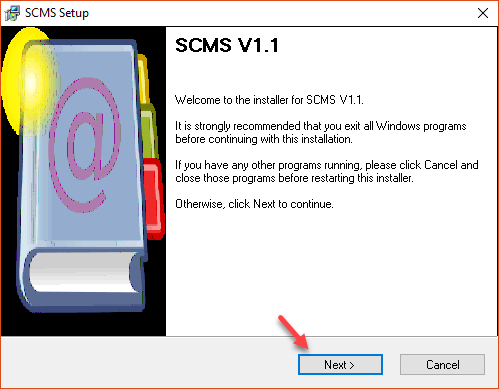
2. Press Next to proceed with the installation
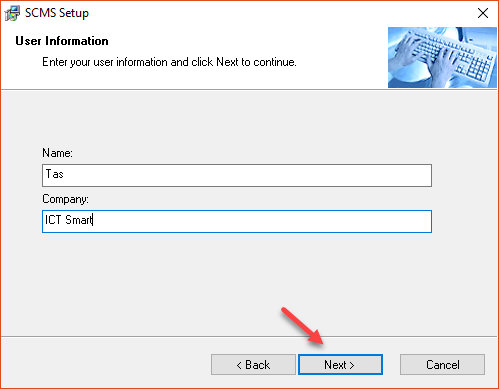
3. Enter the username and company name, then click the NEXT button
4. Select the location for installing the program
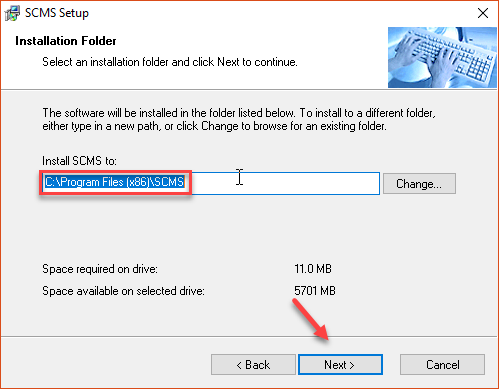
5. Press the Next button
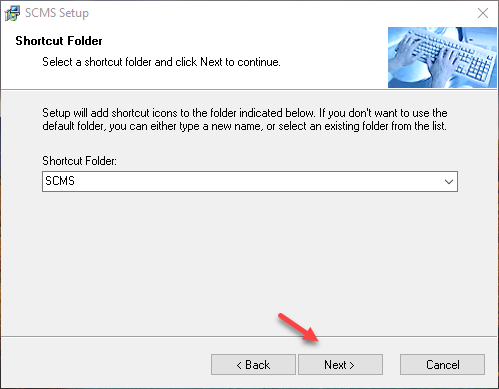
6. Press the Next button
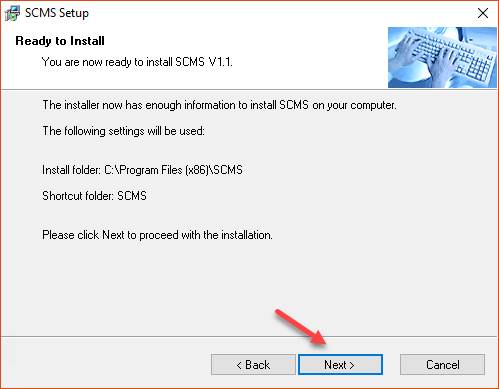
7. Wait for the program to install
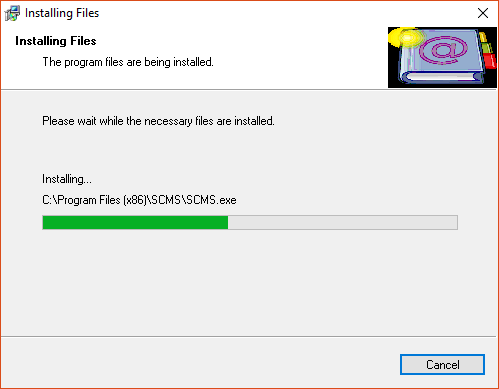
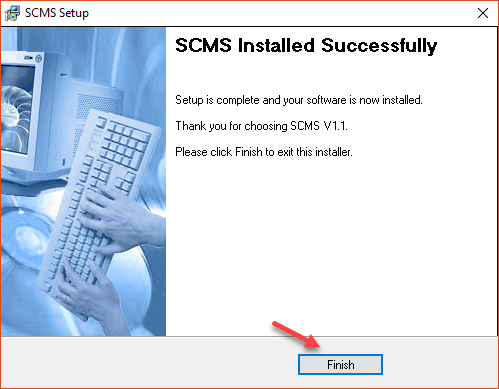
8. When the installation is complete, press the Finish button
9. SCMS program icon page
