SCMS Software Installation Procedure
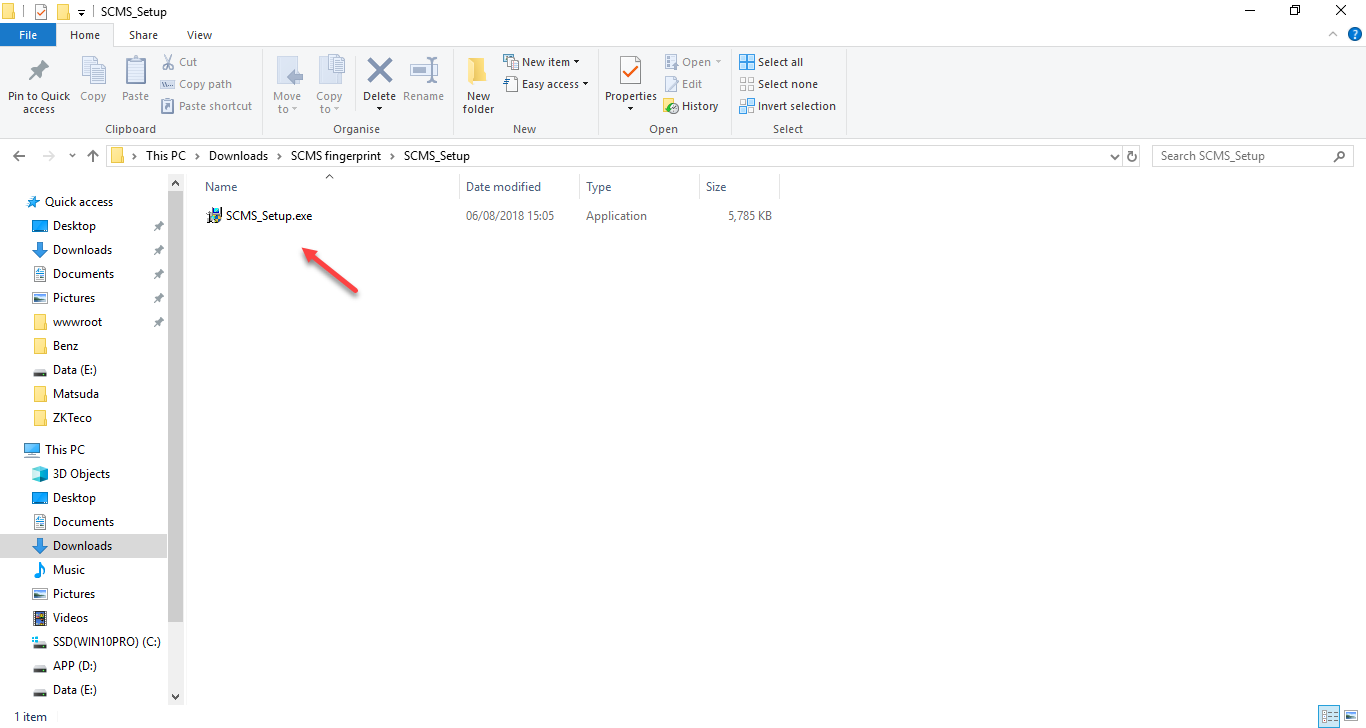
1. Click to install the SCMS_Setup.exe program
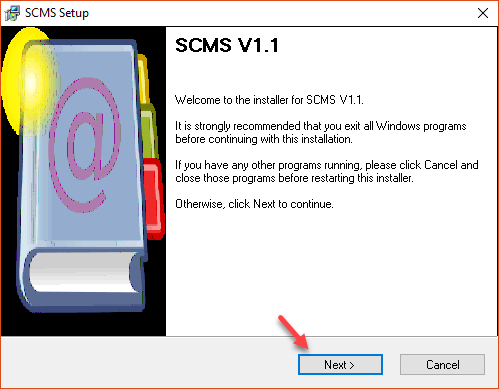
2. Press Next to proceed with the installation
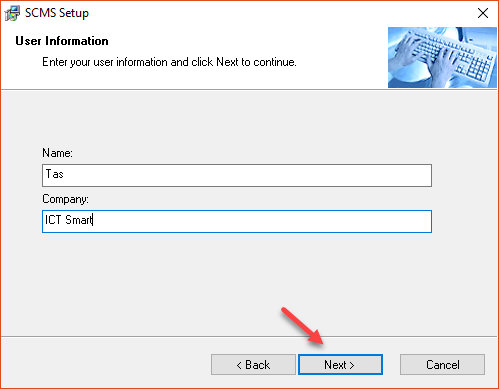
3. Enter the username and company name, then click the NEXT button
4. Select the location for installing the program
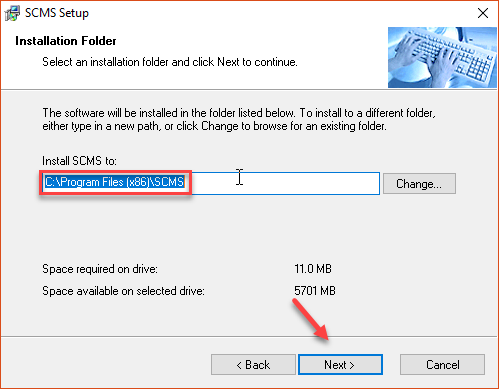
5. Press the Next button
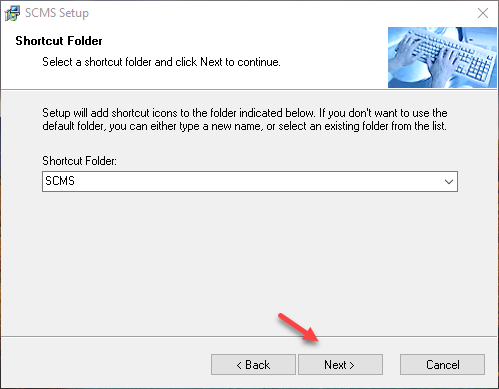
6. Press the Next button
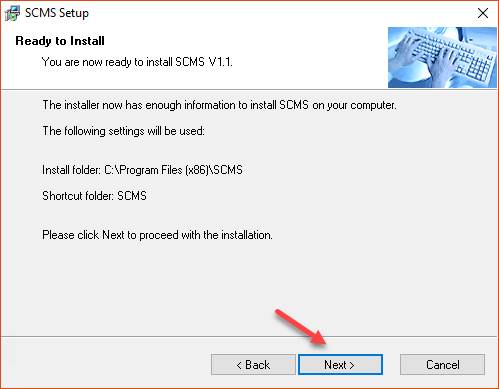
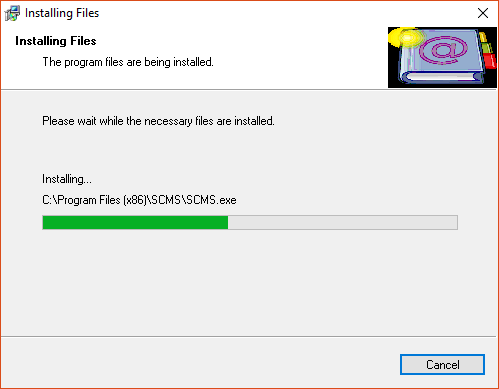
7. Wait for the program to install
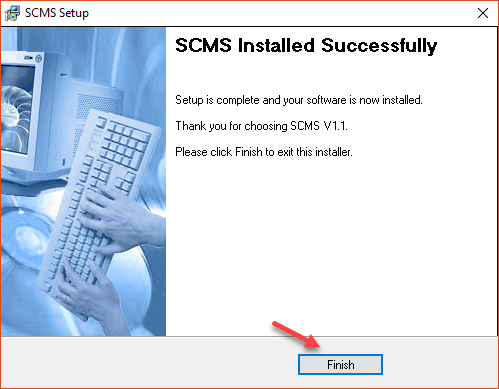
8. When the installation is complete, press the Finish button
9. SCMS program icon page
