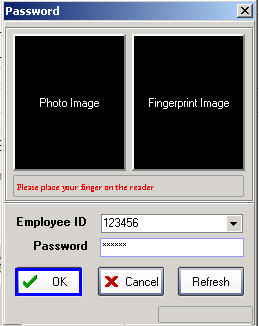
Setting Administrator Privileges
Open the program and go to the Administrator menu
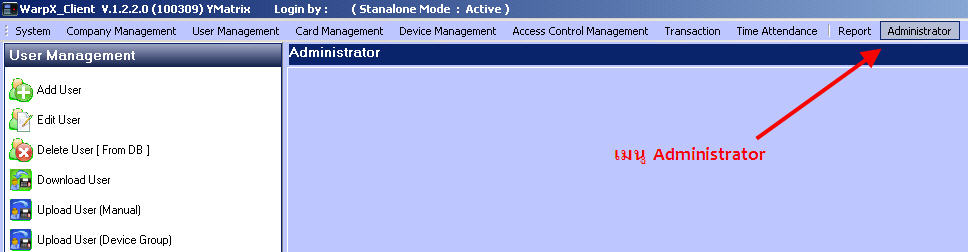
Select Set Administrator

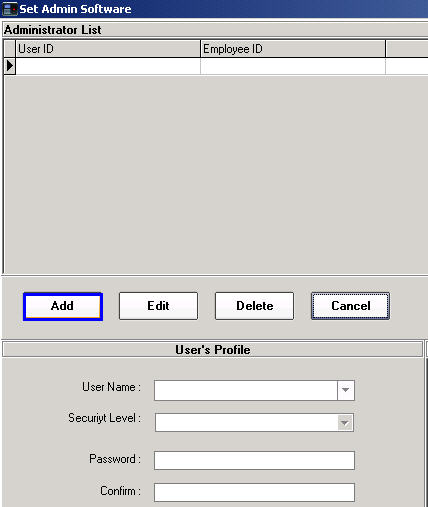
Then click the Add button
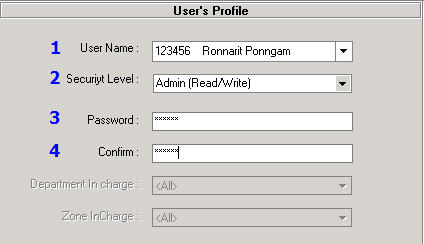
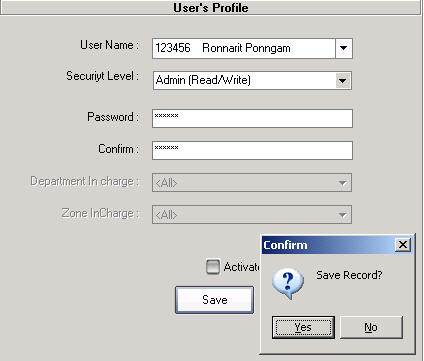
1. Select the UserName that will have permission to manage the program
2. Then select the Security Level for the administrator level
3. Enter the Password to access the program
4. Confirm Password again
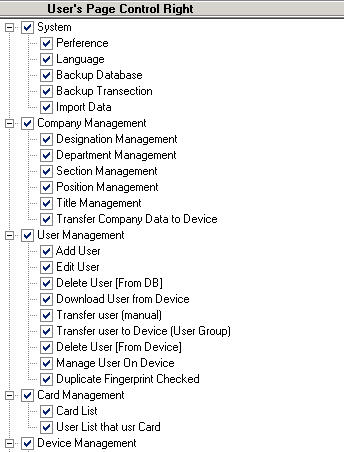
Then specify which menus this administrator is allowed to manage
Then click the Save button and the system will ask to Save Record, click the Yes button.
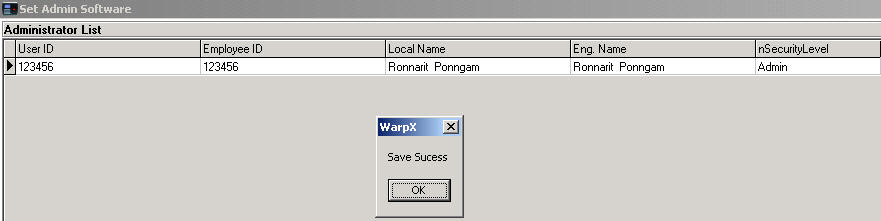
Then click the Ok button again and you will see the User ID that was set as administrator appear
Then close the program and open it again and enter the administrator's User Name and Password