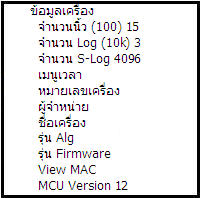
System Information Menu
The System Information menu is used to view various information about the number of recorded fingerprints, scanning time
as well as various specifications of the device, model, serial number, time menu, which is easy to access information

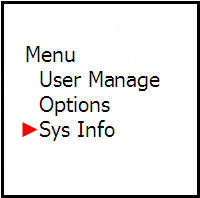
Under the System Information heading, there are 2 more menus where you can view device information
which are the Free Space menu and Device Information
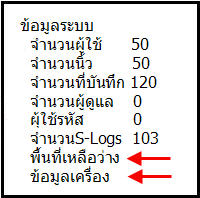
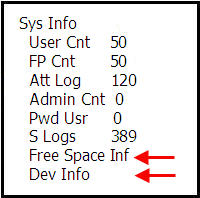
Under the Free Space menu, it will show the remaining space available to store fingerprint data or how many more records
can be stored
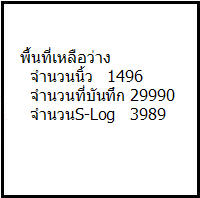
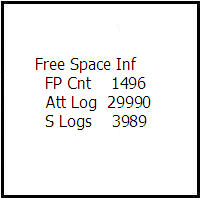
Under Device Information, it will show the device specifications, what model, various S-Log numbers