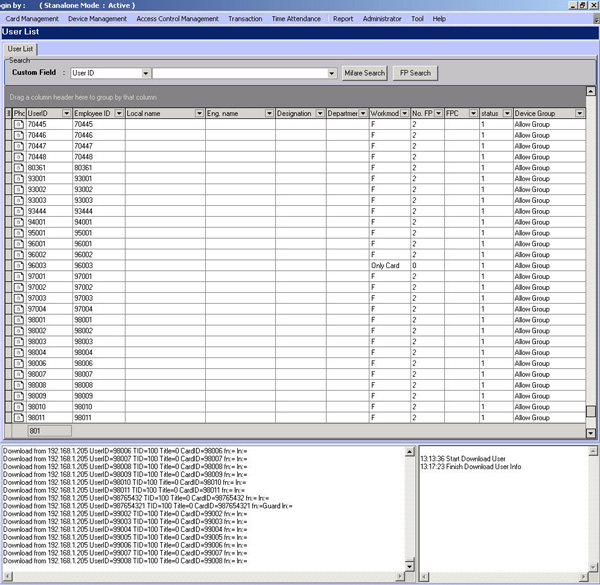
User Data Retrieval at the Scanning Device
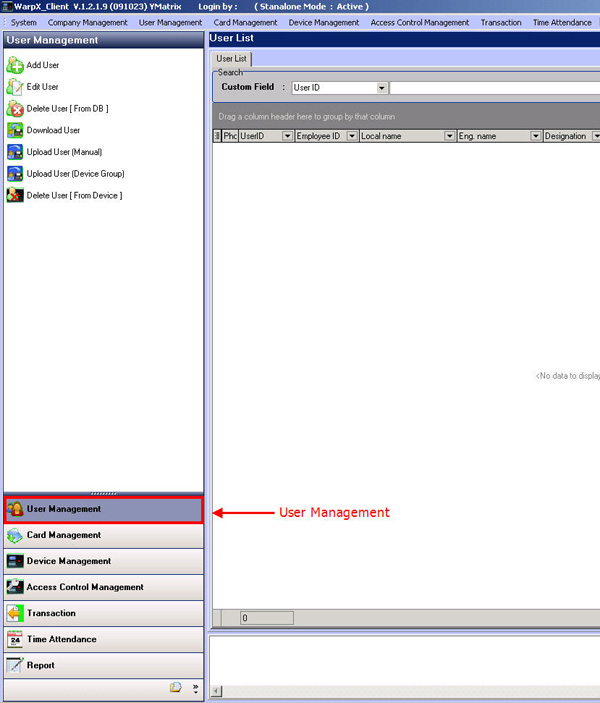
Go to the User Management menu
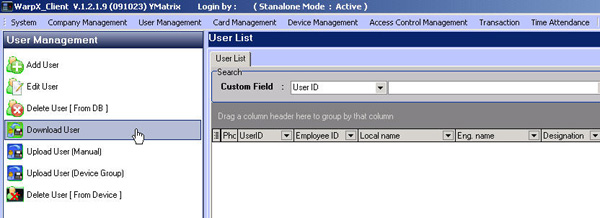
Then select Download User
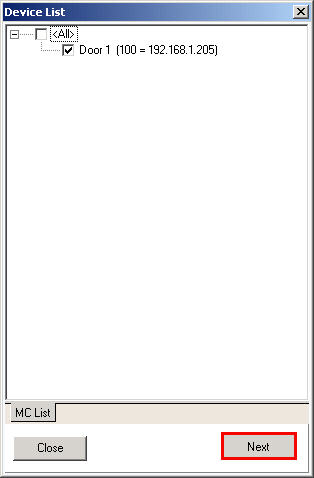
Then check the checkmark next to the scanner device list from which you want to retrieve user data
If you want to select all users, right-click on the list field and select Select All User
Or if you want to select only some users, select None Select User
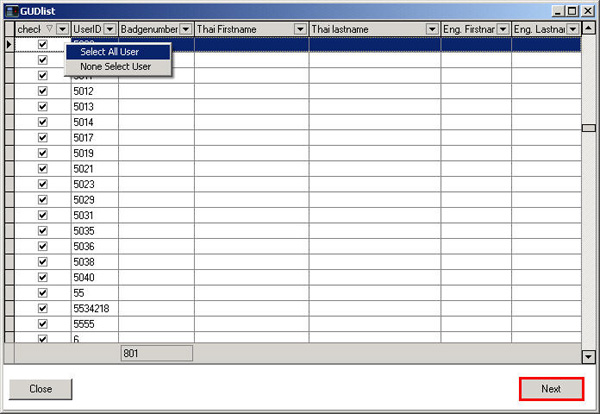
Then you will see the list of users displayed on this page