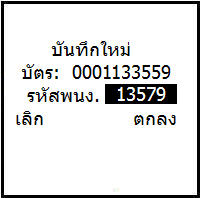
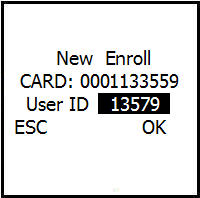
User Management Menu
User Management Menu This menu is used to save user cards at different levels
Such as regular users, administrators, super administrators. In addition, you can also choose how to save
There are options to save only the card, save as a password, or choose to save both
card and password, and you can also delete the card number or name of the person who was saved on the scanner
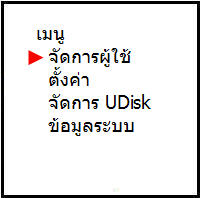
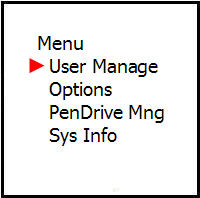
This window selects the access level of the scanner user to save
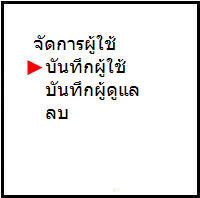
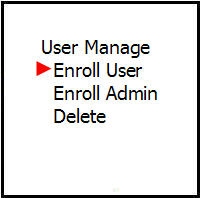
Assigning an ID number to the user saved on the card scanner screen