Explanation of Various Menus of the IS-403 Scanner
Search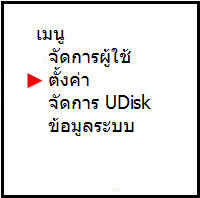
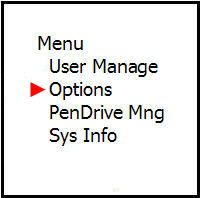
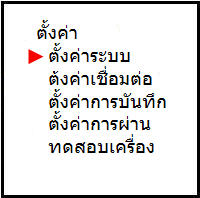
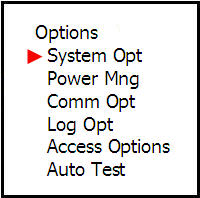
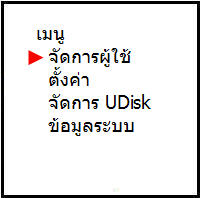
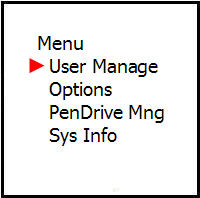
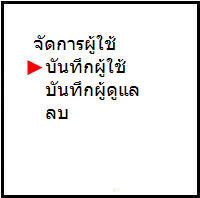
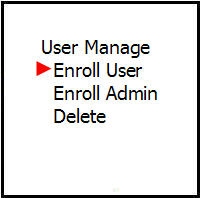
User Management Menu This menu is used to save user cards at different levels
Such as regular users, administrators, super administrators. In addition, you can also choose how to save
There are options to save only the card, save as a password, or choose to save both
card and password, and you can also delete the card number or name of the person who was saved on the scanner
This window selects the access level of the scanner user to save
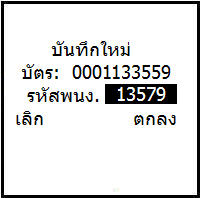
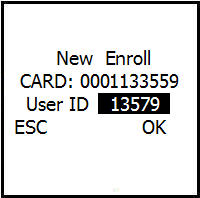
Assigning an ID number to the user saved on the card scanner screen
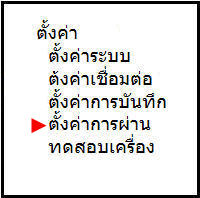
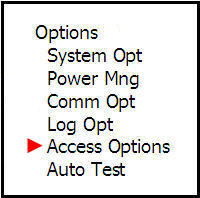
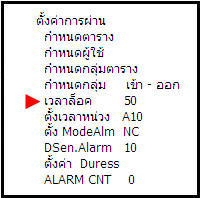
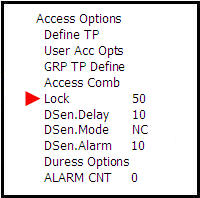
The Access Pass settings menu is used to configure Access Control system settings, such as user door entry and exit permissions
Configure Time Set, Time Zone, various Groups
and you can also configure other settings, such as setting the delay time for lock activation
and configure Duress to prevent being coerced to open the door to increase the safety of the system operation
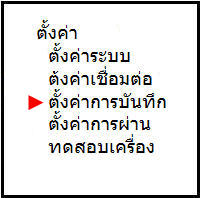
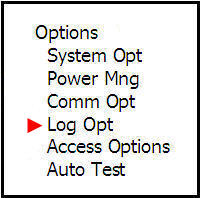
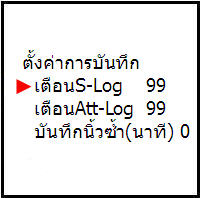
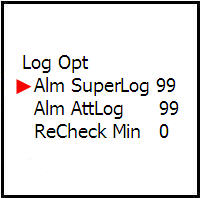
The Save Settings menu is used to configure Log recording settings
Finger scanning to determine what capacity the Log should have
To provide an alert sound that the Log is full
The Duplicate Fingerprint Recording menu is to set how many minutes it takes to scan the same finger at the same time
The system will notify that this finger has already been scanned in order to prevent wasting Log in time recording
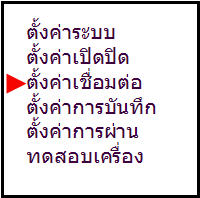
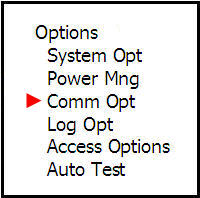
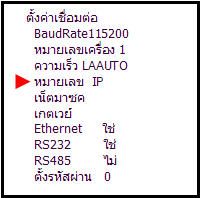
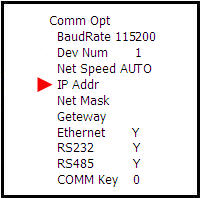
The Connection Settings menu is used to configure the connection between the scanner and the computer
Such as IP Address, Net Mask, Gateway or enter a password that the scanner uses to prevent unauthorized
connection of the scanner to the computer
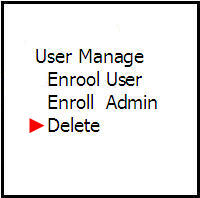
This menu can save user fingerprints whether it is fingerprint only or both fingerprint and password
It can also save an administrator or delete a user from the system
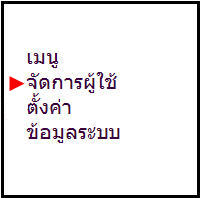
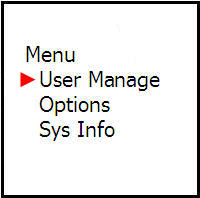
The Save User menu allows you to select what to save for the user whether you want to save finger, password
or both finger and password
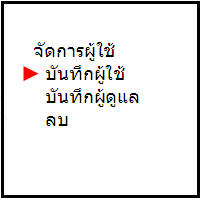
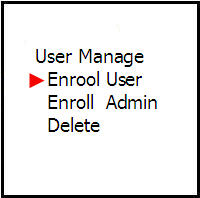
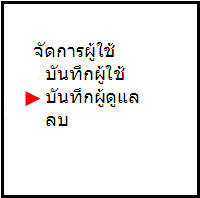
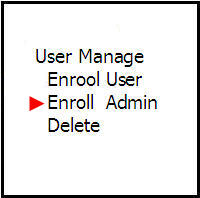
Save Administrator menu This menu allows you to set the level type of system administrator There are 3 levels to choose from
Recorder = Can only access the menu to store user fingerprints
Administrator = Can manage all menus except deleting administrator rights in the system
Super Administrator = Can manage all menus in the scanner
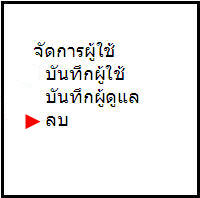
Delete menu is used to delete user fingerprints