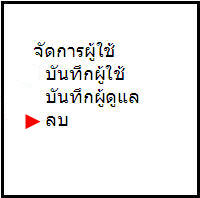
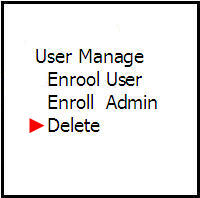
User Management Menu
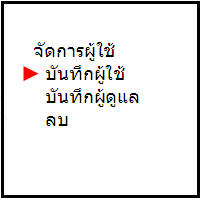
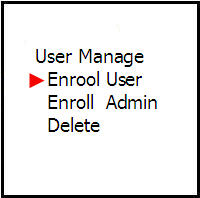
This menu can save user fingerprints whether it is fingerprint only or both fingerprint and password
It can also save an administrator or delete a user from the system
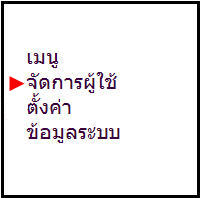
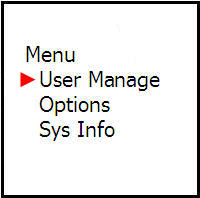
The Save User menu allows you to select what to save for the user whether you want to save finger, password
or both finger and password
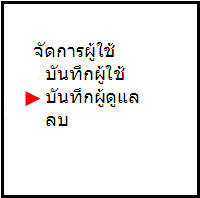
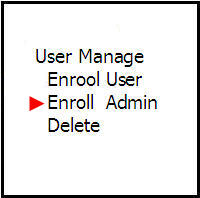
Save Administrator menu This menu allows you to set the level type of system administrator There are 3 levels to choose from
Recorder = Can only access the menu to store user fingerprints
Administrator = Can manage all menus except deleting administrator rights in the system
Super Administrator = Can manage all menus in the scanner
Delete menu is used to delete user fingerprints