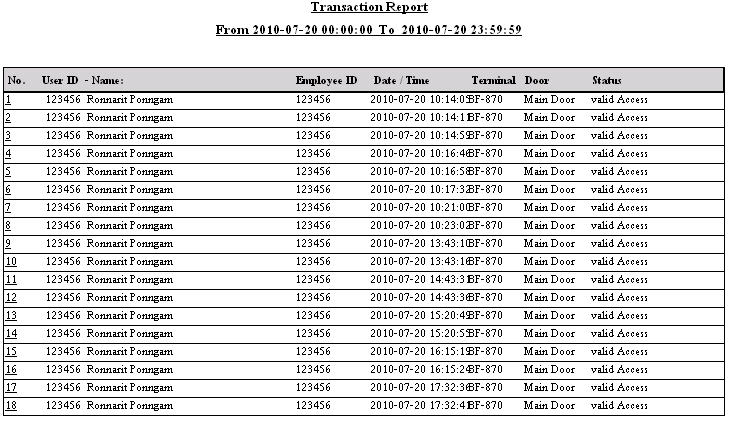
Viewing Reports in TimeAttendance Report Menu and Exporting to Text File and Excel
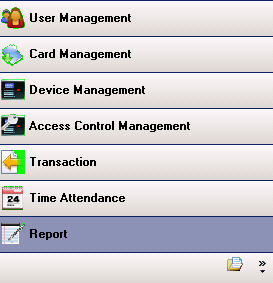
Open the program and select the Report menu
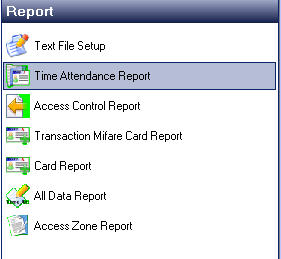
Then select the Time Attendance Report menu
If you want to view by department or by individual, select each department or person one by one
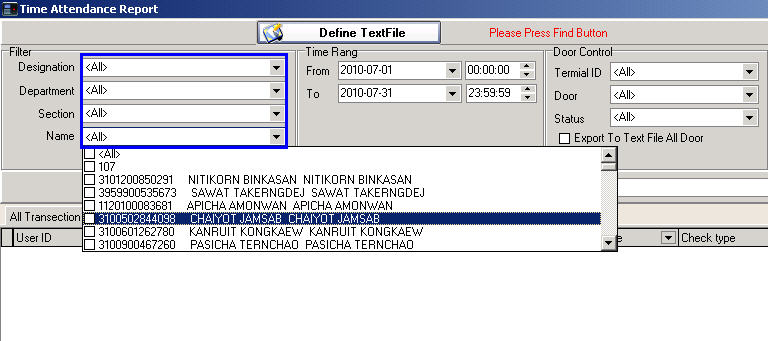
Then select the time period you want to view
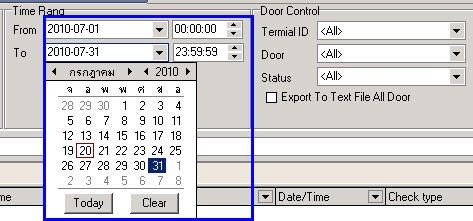
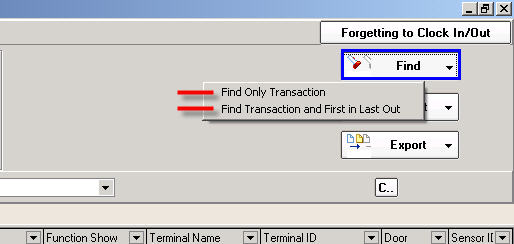
Click the Find button
- If you want to view all time records, select Find Only Transaction
- Or if you want to view only the first and last time, select Find Transaction and First in Last Out
The schedule you selected will be displayed (Format: Find Only Transaction)
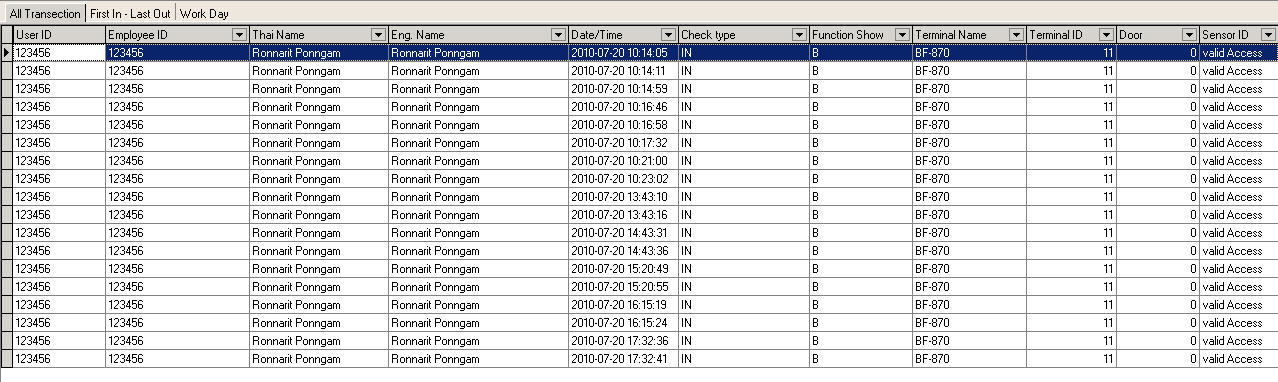
(Format: Find Transaction and First in Last Out)

Then Export the Report by clicking the Export button and select the format to export the data
as Text file or Excel
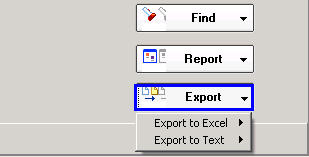
Select All Transaction format
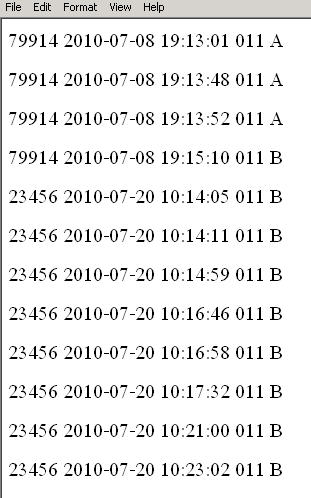
If you want to view a pre-formatted Report, click the Report button and select the format you want