ZKTime Net 4.0 Software
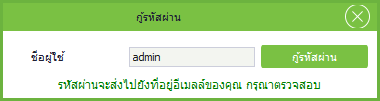
Search1.Click Forgot Password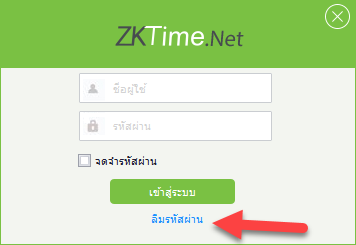
2.Enter Username/Program Username and click Recover Password
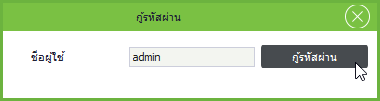
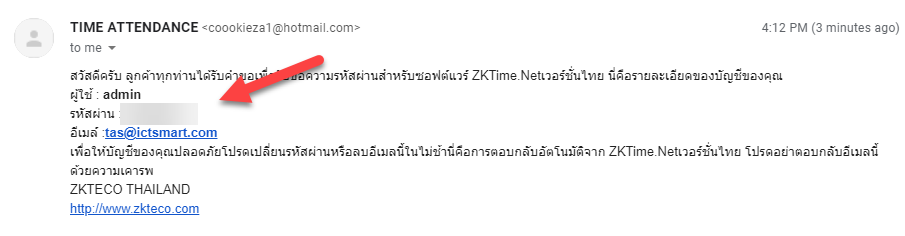
3.The program sends the password to the Email that the user used to register
4. Email notification of password to access the program
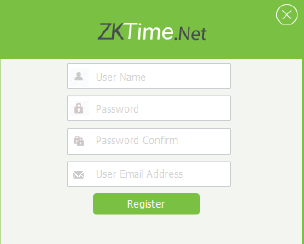
1. Open ZKtime Net 4.0 application

2. Set up User name / Password for application use and enter Email for password recovery
3. Enter User name / Password to access the application
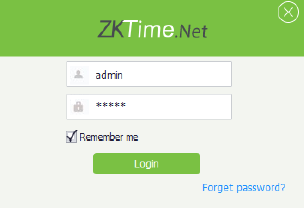
4. Application access successful
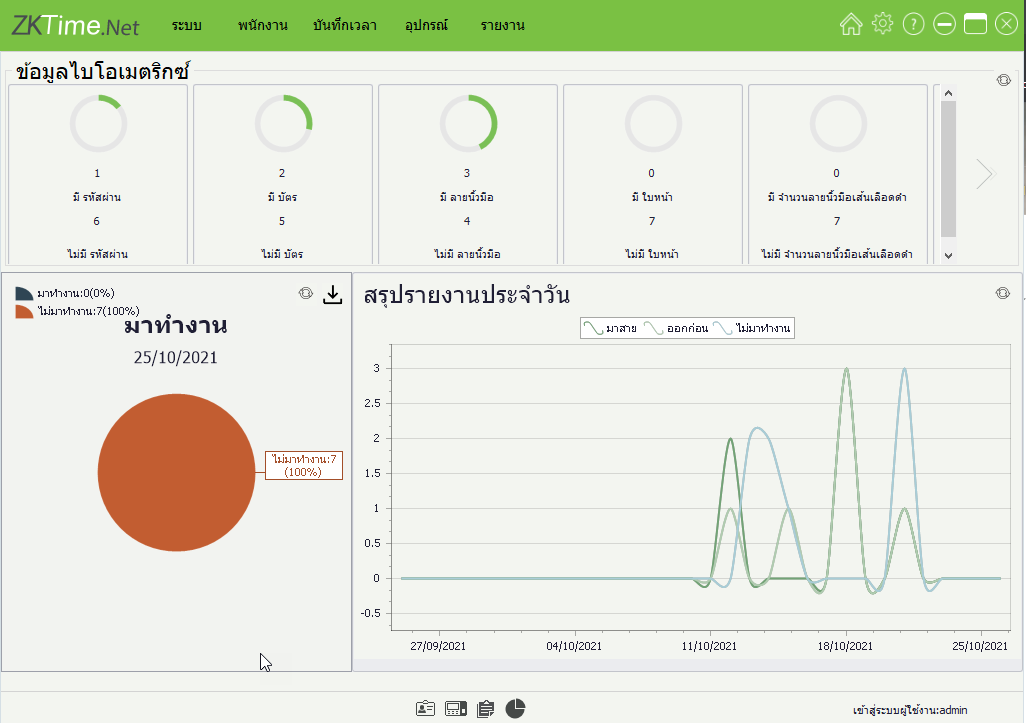
1.Download the program at https://drive.google.com/file/d/1aul2Oh_Or6Ozwxy9E4PEO_qyQwcT-hDJ/view?usp=sharing
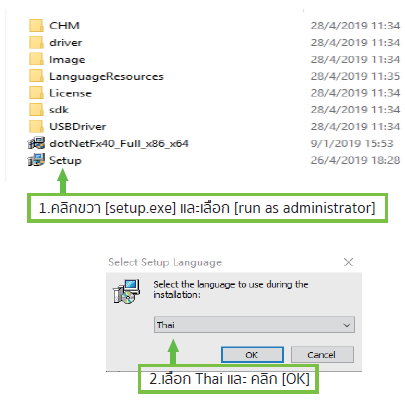
2.Install the Software, select Thai language and click OK
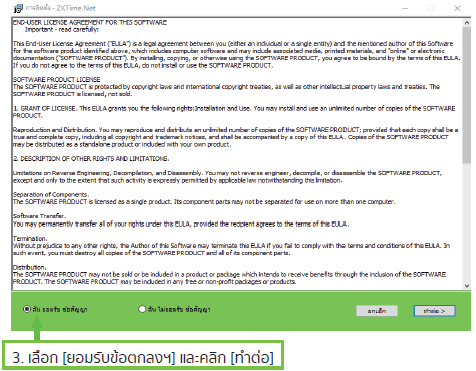
3.Select I accept the agreement and click Continue
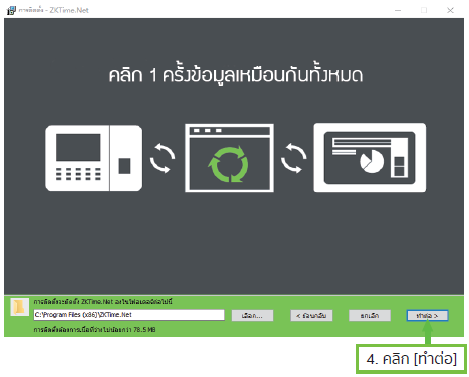
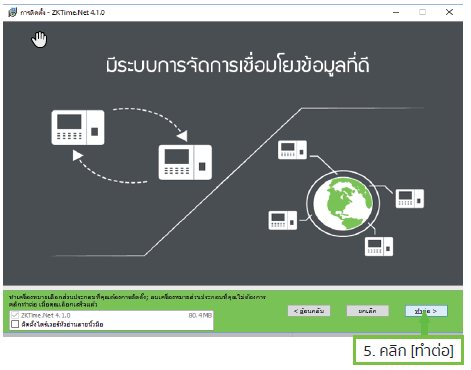
4.Click Install
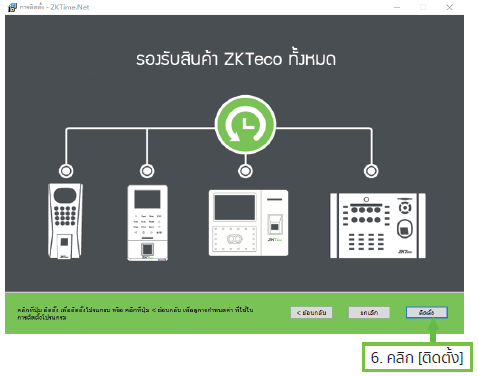
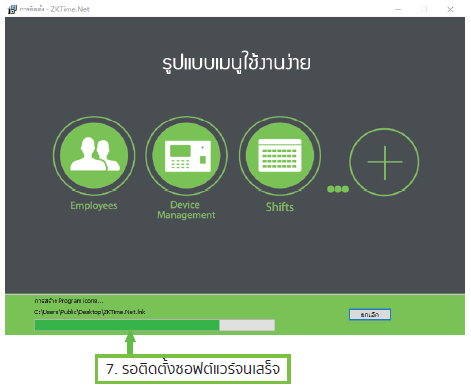
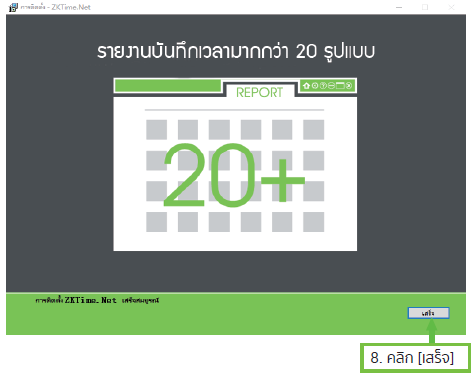
5.Wait for the program to install then click Finish